Quick answer
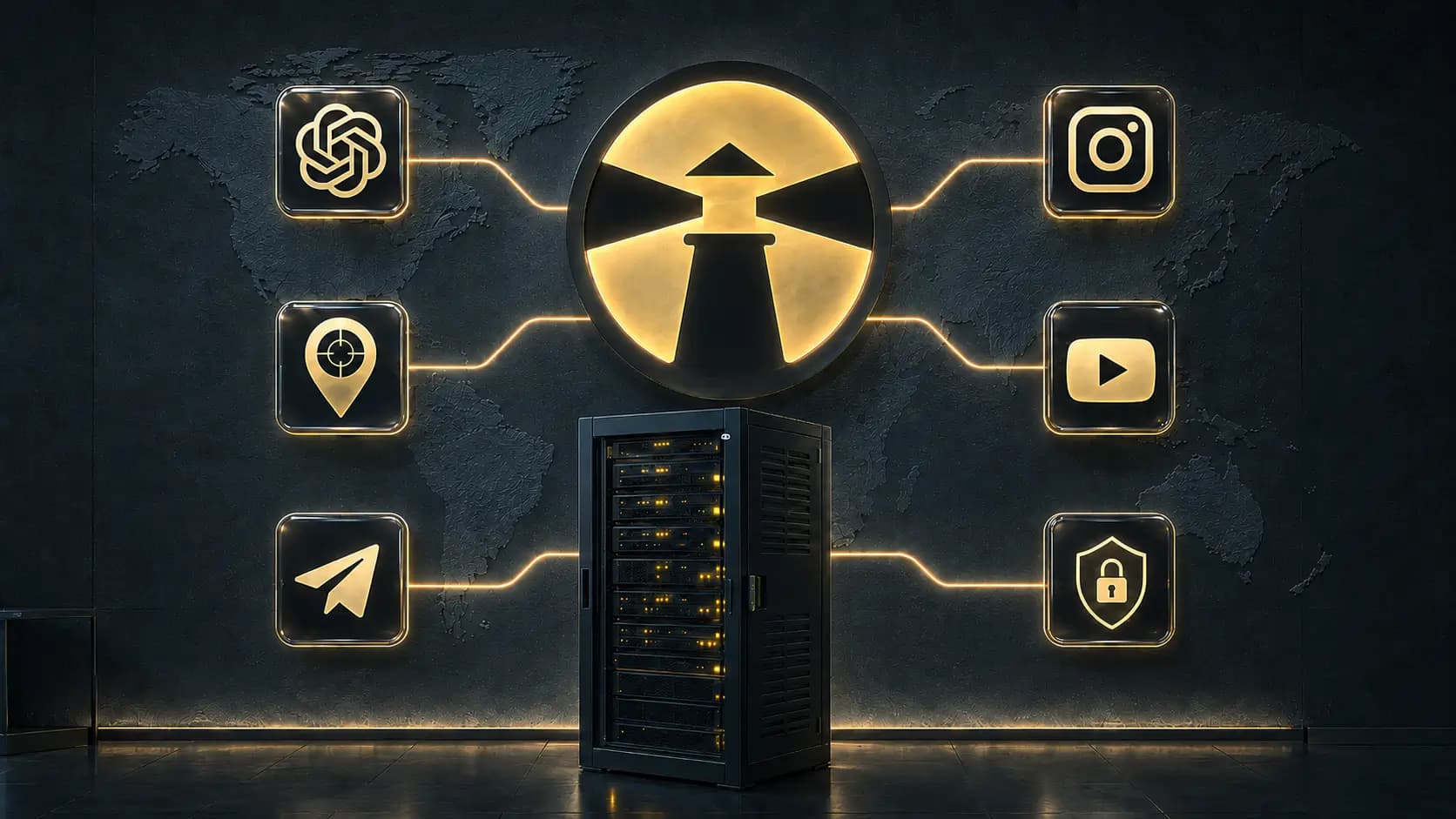
A VPN (virtual private network) is a service that routes your internet traffic through an encrypted tunnel to a remote server. The networks between you and that server — your ISP, a café hotspot, an office router — see encrypted data instead of your browsing, and websites see the VPN server's IP address instead of yours.
That gives you three practical things: privacy from the networks you use, a different visible location, and a connection that behaves consistently wherever you are. It does not make you anonymous, and it does not replace good account security.
What a VPN changes about your connection
Without a VPN, your device talks to every website directly. Your internet provider sees which hosts you connect to and when. Any network you join — home, work, hotel — can log the same. Websites see your real IP address, which maps to your approximate location and your provider.
With a VPN connected, your device first builds one encrypted connection to a VPN server, and everything else travels inside it:
- Your ISP and local network see a single encrypted stream to one server, not the list of sites you visit.
- Websites and apps see the VPN server's IP address and location, not yours.
- DNS lookups — the "phone book" queries that reveal every domain you open — resolve through the VPN instead of the local network. Our IP, DNS, and WebRTC leaks guide explains how to verify this.
What a VPN is genuinely good for
- Open and shared networks. On public Wi-Fi your traffic crosses equipment you do not control. An encrypted tunnel removes most of what the network can observe. See the public Wi-Fi security guide.
- Travel. Your usual services keep working from unfamiliar networks, and each hotel or airport hotspot sees only encrypted traffic.
- Consistent access. Some networks throttle or interfere with specific kinds of traffic. Inside a tunnel, traffic cannot be classified and selectively slowed.
- Reducing everyday profiling. Your IP address is a stable identifier across sites. Masking it makes casual cross-site correlation harder.
What a VPN does not do
Honesty matters more than marketing here:
- It does not make you anonymous. Sites you log in to still know who you are — you told them.
- It does not stop phishing, malware, or weak passwords. A strong password and two-factor authentication protect accounts; a VPN protects the connection.
- It does not override the terms of streaming or banking services. Availability of specific services depends on their own rules.
- It moves trust rather than eliminating it: instead of trusting every network you join, you trust one VPN provider. That is why a strict no-logs policy matters — see how ClickVPN handles security and privacy.
Do you need one?
If you only ever browse from a trusted home network, a VPN is a modest improvement. If you use laptops and phones on networks you do not control — cafés, airports, hotels, coworking spaces — or you travel, or your provider's routing is unreliable, a VPN earns its place quickly. It is one connection habit that upgrades every app on the device at once.
FAQ
Is a VPN legal?
In most countries, yes — VPNs are standard business and consumer technology. Some countries regulate or restrict them; see our guide on VPN legality for the honest picture.
Will a VPN slow my internet?
A little, because traffic takes an extra hop and gets encrypted. With good routing the difference is small; our speed guide explains what actually affects it.
Is a VPN the same as incognito mode?
No. Incognito mode only stops your browser from saving local history. It changes nothing about what networks and websites see. A VPN works at the connection level, for every app.
How do I start?
Create an account, activate the trial, and connect — the getting started guide walks through the first-run checklist.